Friday, March 27, 2015

CityScape

Model: Nikon D5000
Lens: Stock 18-55mm

Shutter:1/200
F-Stop:5.6
ISO:6400

Shutter:1/125
F-Stop:5.6
ISO:6400

Shutter: 1/100
F-Stop: 3.5
ISO: 100

Shutter: 1/100
F-Stop: 4.8
ISO: 100

Shutter:1/100
F-Stop:5.6
ISO:100

Shutter:1/100
F-Stop:3.5
ISO:100

Shutter: 1/400
F-Stop: 4.5
ISO: 100
Shutter: 1/100
F-Stop: 4.8
ISO: 400

Friday, March 6, 2015

Pet Portrait Plan

1. What type of pet will you photograph?
I will take photos of my dog, which is a chocolate lab, and my brother's, which is a great dane.

2. Where will you shoot?
My house, and outside at a park near my house.

3. What type of lighting will you use?
Natural, and occasionally a light.

4. What equipment will you need?
My camera and a tripod.

5. What challenges will you encounter?
Capturing my brother's dog. He is very active.

6. How will you overcome these challenges?
I will try and use a higher shutter speed or treats.

7. Post an example for inspiration for your shoot. Explain what you like about the photo and how you will attempt to emulate or use for inspiration.

I like this photo because it seems very candid, and the dog is not directly facing the camera, which shows the depth of the dogs nose.

Wednesday, March 4, 2015

HDR Assignment

1. What does HDR stand for?
    High Dynamic Range
2. In your own words, explain what makes an HDR photo an HDR photo?
    Multiple exposures to ensure a different range of colors for each part of the photo
3. What is bracketing?
    Taking multiple exposures of the same scene
4. What software can you use to produce an HDR image?
    Most photo editing software will work, all you need is to combine the good exposures
5. When selecting layers, what do you have to be careful about when creating your HDR photos?
    You have to be careful when you select the areas for the good exposure because you want to make              the photo look natural.
6. Save your favorite HDR photo on your blog.
   

Monday, March 2, 2015

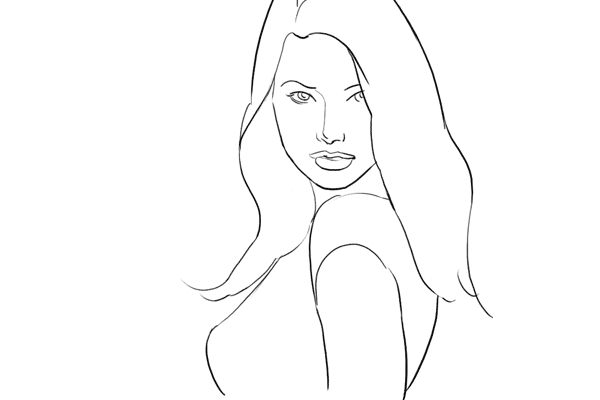
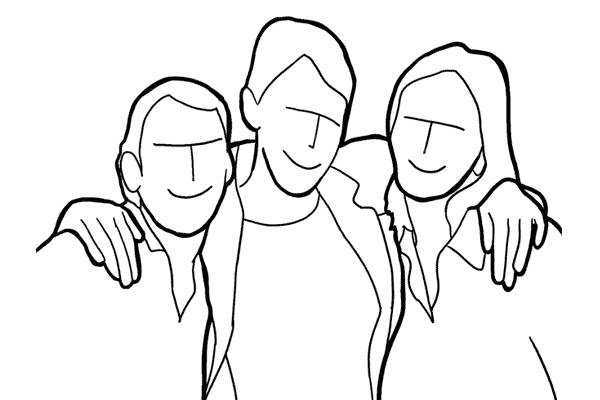
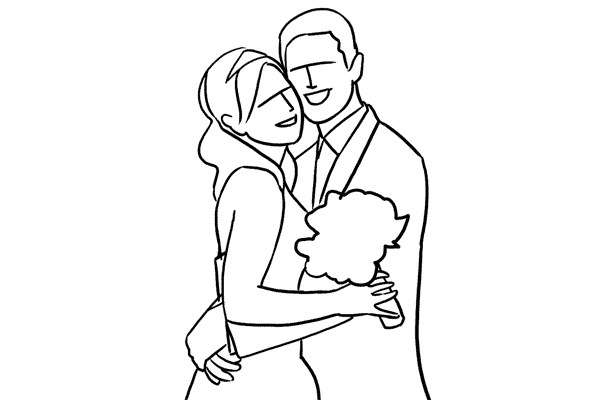
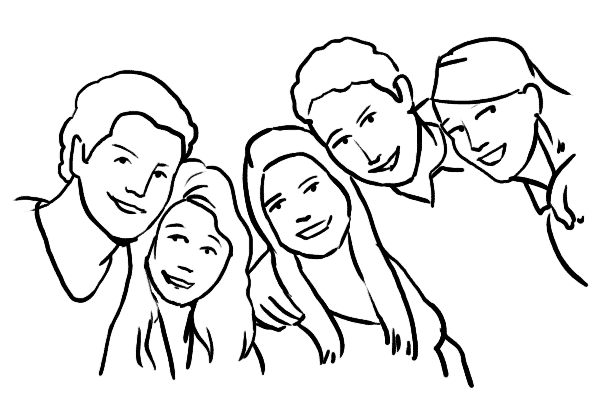
Prom Poses

Single male

Single female

Friends

Romantic Couple

Family of 3-5

Thursday, February 26, 2015

Landscape Preview

Tip 1: Think about horizons

Tip 2: Work with the weather

Tip 3: Consider the sky

1.
Photo by Florent Courty
2.
Photo by deep21
3.
Photo by Michal Ostrowski

Equipment:
Camera
Tripod
Neutral Density filter
Lenses
Spare batteries

Location:
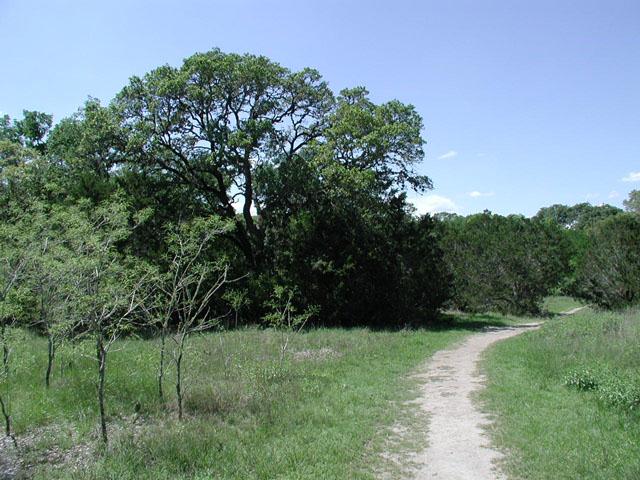
I would like to take desert landscape photos, but west Texas is too far away so landscapes of parks will have to do.
Mary Moore Searight Park, or other nearby parks

Friday, February 20, 2015

Studio Shoot

Set 1 - One light
Shadowless

Butterfly

Loop

Rembrandt

Split


Set 2 - Two lights
Shadowless

Butterfly

Loop

Rembrandt

Split


Set 3 - Three lights
Shadowless

Butterfly

Loop

Rembrandt

Split

Friday, February 13, 2015

SmugMug questions

1. Content Blocks
How do you add Content Blocks to your site?
You drag it from the list of blocks.

2. Content Types
What are the eight different types of content you can add?
Photos, Navigation, Video, Design, Text, Social, Discovery, HTML& CSS

3. Photos
When you add photos to SmugMug, which are the FOUR different ways you can display them? Briefly explain what each method does.
Single, Multiple, Slideshow, Carousel

4. Navigation
What are the SEVEN different types of Navigation items you can add to your SmugMug account? Briefly explain what each does.
Menu- makes a pane used to navigate your items
Galleries- displays a gallery
Folders- displays a folder
Pages- displays a page
Folders, Galleries and Pages- displays all types of content levels
Breadcrumb- links the homepage and the current page
Featured Events- features an event

5. Design Elements
What kinds of design elements can you add?
A logo and a separator.

6. Colorspace
What "Colorspace" should your images be processed in to be uploaded to SmugMug?
sRGB

7. Cropping
Should you crop your images before uploading to SmugMug? Why?
No, because you can let the customer choose the cropping size.

8. Resolution
What is the minimum resolution size for an 8" by 10" print?
750x935